How Does Barcode Scanning Work?
Barcode scanning is one of the fastest and most reliable ways to log packaged foods in a calorie tracking app. Every packaged food product sold in stores carries a barcode -- a unique identifier that links to the product's nutritional information in global databases. When you scan this barcode with Arori, the app instantly looks up the product and retrieves its complete nutritional profile, including calories, protein, carbohydrates, fat, fiber, sugar, sodium, and more.
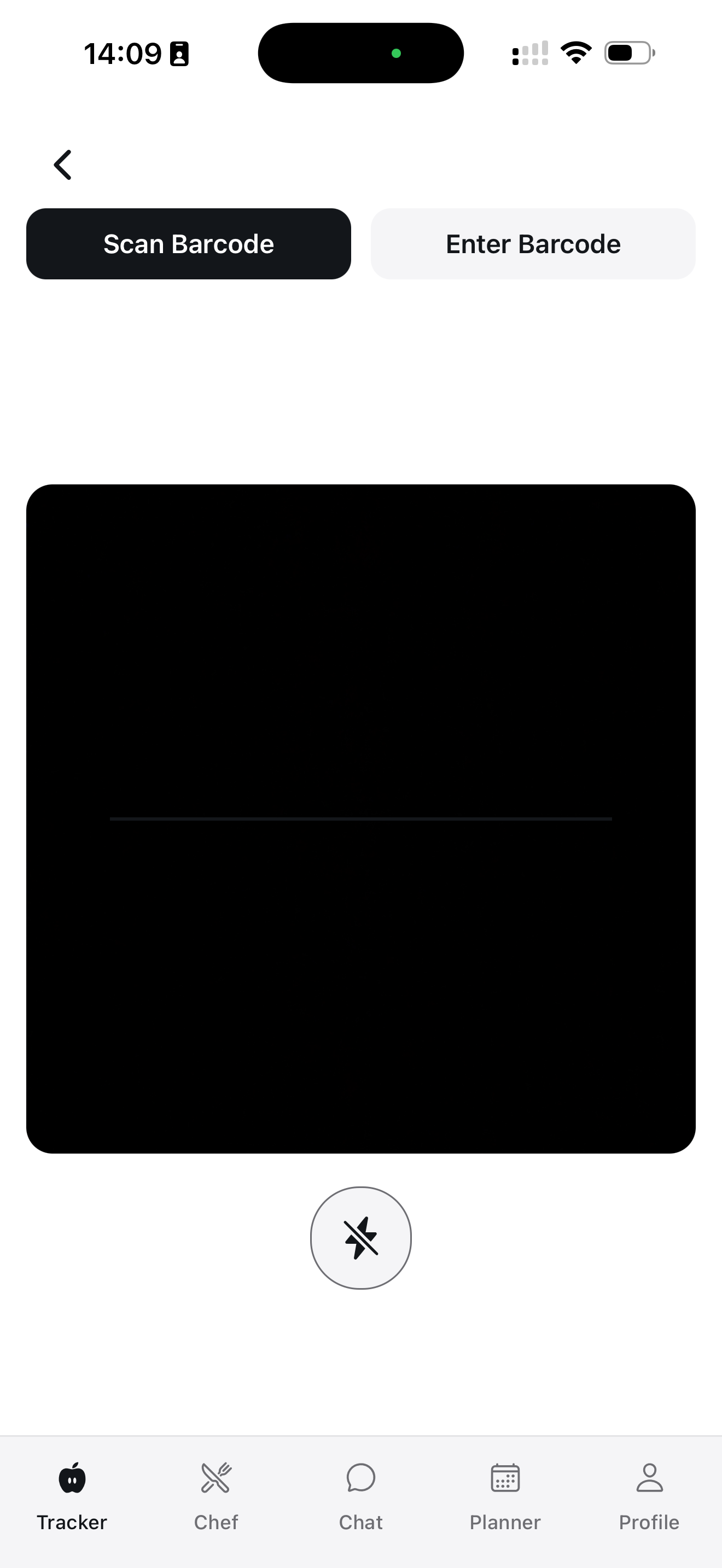
The process is remarkably simple. You open the Arori scanner, point your phone's camera at the barcode on the product packaging, and within a fraction of a second the nutritional information appears on your screen. There is no need to type in product names, scroll through search results, or manually enter values. This speed and convenience make barcode scanning the preferred method for logging packaged foods among health-conscious consumers who want accurate data without the hassle of manual entry.
Arori's barcode scanner uses your device's camera to read the barcode pattern and decode it into a numeric identifier. This identifier is then matched against multiple food databases simultaneously to find the most accurate and up-to-date nutritional information. If the product is found in the database, you see its full nutritional breakdown immediately. If it is not found, Arori offers alternative methods such as AI label scanning or manual search to ensure you can always log your food.
Supported Barcode Formats
Arori supports all major barcode formats used on food products worldwide. EAN-13 is the most common format used internationally, particularly in Europe, Asia, and South America. UPC-A and UPC-E are standard in North America. EAN-8 is used on smaller products where space is limited. Arori also supports QR codes that some manufacturers now include on their packaging for extended product information.
This comprehensive format support means that no matter where a product was manufactured or purchased, Arori can read its barcode. Whether you are shopping at a local supermarket, an international grocery store, or a specialty health food shop, the scanner works seamlessly across all product types and origins. The scanning engine is optimized for speed and accuracy even in challenging lighting conditions, so you can scan quickly without worrying about perfect positioning.
AI-Powered Nutrition Label Reading
Sometimes a barcode is not available -- perhaps it is damaged, the product is from a small artisan producer, or you are eating at a restaurant that provides nutrition information on a menu card. In these situations, Arori's AI label reader provides an elegant solution. Simply photograph the nutrition facts label, and Google Gemini's vision AI extracts all the nutritional values automatically.
The AI label reader can interpret nutrition labels in multiple formats and languages. Whether the label follows European, American, or Asian formatting standards, the AI understands the layout and correctly identifies calories, macronutrients (protein, carbohydrates, fat), and micronutrients. It can even handle partially obscured or low-quality label images, making it a robust fallback when barcode scanning is not an option. This dual approach -- barcode scanning plus AI label reading -- ensures that you can always get accurate nutrition data for packaged products.
Database Coverage
Arori's barcode database is one of the most comprehensive food product databases available, covering millions of products from around the world. The database aggregates data from multiple trusted sources including Open Food Facts, manufacturer-provided information, and community contributions. It covers major international brands like Nestle, Unilever, Coca-Cola, and PepsiCo, as well as regional and local brands from dozens of countries.
The database is continuously expanding as new products are added daily. When a user scans a product that is not yet in the database, the nutritional information from the AI label reader can be used to create a new entry, which benefits all future users who scan the same product. This crowdsourced approach ensures that the database grows organically and stays current with new product launches, reformulations, and limited-edition items.
For users in specific markets, Arori's database includes extensive coverage of local products. Turkish users will find local brands and traditional packaged foods well represented, while users in Europe, North America, and other regions will similarly find their local products. This global coverage combined with local depth makes Arori's barcode scanner useful no matter where you live or shop.
Grocery Shopping Use Cases
The barcode scanner transforms your grocery shopping experience by giving you instant nutritional intelligence at the point of purchase. Before adding a product to your cart, scan its barcode to check if it fits your daily calorie and macro goals. Compare similar products side by side to choose the healthier option. Identify hidden sugars, excessive sodium, or surprisingly high calorie counts that might not be obvious from the front of the package.
Here are some practical ways to use the barcode scanner while shopping:
- Compare products: Scan two brands of yogurt to see which has more protein and less sugar
- Check portion sizes: See if the serving size on the label matches how much you actually eat
- Discover healthier alternatives: Find lower-calorie versions of your favorite snacks
- Plan meals ahead: Scan ingredients before buying to pre-plan your meals and macros
- Avoid allergens: Quickly check ingredient lists for common allergens
- Budget your calories: Make sure your grocery haul fits your weekly nutrition goals
Advantages Over Competitors
While many calorie tracking apps offer barcode scanning, Arori stands out in several important ways. First, the AI label fallback is a game-changer. Most apps simply display a "product not found" message when a barcode is missing from their database. Arori gives you the option to photograph the label and let AI extract the data, so you are never left without nutritional information.
Second, Arori's multi-source database approach ensures higher coverage and accuracy. Instead of relying on a single database, Arori cross-references multiple sources to find the most accurate nutritional data for each product. This reduces errors and ensures you are working with reliable numbers.
Third, the scanner integrates seamlessly with Arori's other features. Scanned products flow directly into your daily food diary, contribute to your macro tracking, and inform your AI nutrition coach's recommendations. This end-to-end integration means that scanning a barcode is not just about looking up calories -- it is about feeding accurate data into your entire nutrition ecosystem.
Tips for Healthy Shopping with Barcode Scanning
Using a barcode scanner consistently while grocery shopping can dramatically improve your nutrition awareness and food choices. Here are some evidence-based tips to get the most out of this feature:
Read beyond calories. While total calories matter, the macronutrient breakdown tells a much richer story. A 200-calorie snack that is mostly protein is very different from a 200-calorie snack that is mostly sugar. Use the scanner to look at the full picture, not just the calorie number.
Watch serving sizes. Manufacturers often list nutrition information for unrealistically small serving sizes. A bag of chips might show 150 calories per serving, but the bag contains 3 servings. Arori lets you adjust the serving size to match your actual consumption, giving you the real calorie count.
Compare systematically. When choosing between products, scan all the options and compare them on the metrics that matter most to you. If you are trying to increase protein intake, sort by protein per calorie. If you are watching sodium, focus on that metric. Systematic comparison leads to consistently better choices over time.
Build a favorites list. Over time, you will identify products that fit well into your nutrition plan. Arori remembers your previously scanned products, making it easy to find and log your go-to foods quickly.
Start Scanning Today
Arori's barcode scanner is available free of charge with no limits on the number of scans. Download the app, open the scanner, and start making more informed food choices today. Whether you are a dedicated meal planner, a casual calorie counter, or someone just starting their nutrition journey, barcode scanning makes food logging faster, easier, and more accurate than ever before.